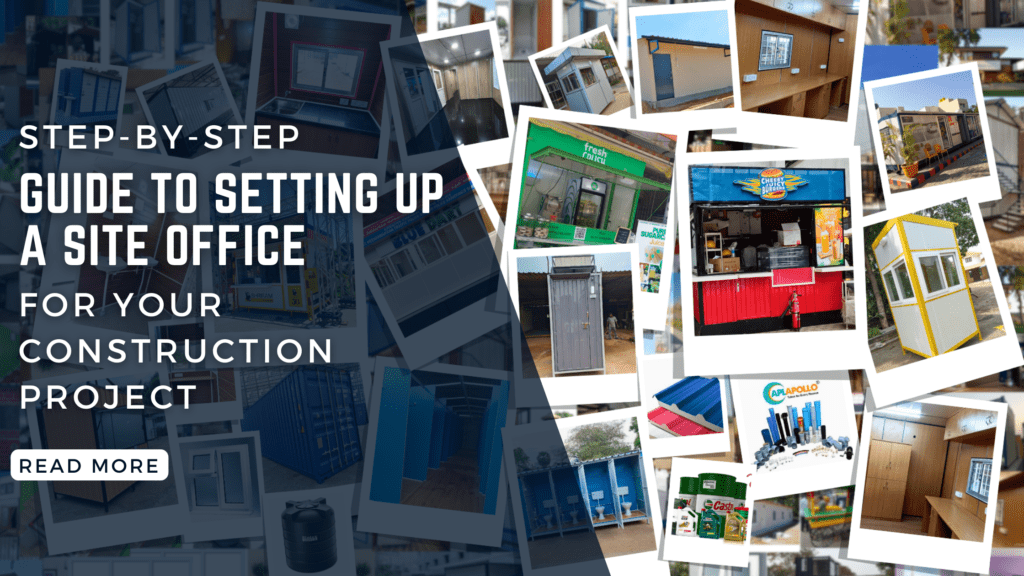
A construction site office setup is often a whirlwind of activity—heavy machinery moving, workers coordinating, and materials arriving. In the middle of this organized chaos, there needs to be a “brain” or a “nerve center.” That is the site office.
A well-planned site office is more than just a place to store blueprints; it is where critical decisions are made, safety protocols are enforced, and project timelines are managed. Whether you are working on a residential high-rise or a commercial complex, setting up your site office correctly is the first step toward project success.
Step 1: Strategic Site Selection
The first step isn’t building; it’s choosing the right spot. You need a location that is accessible but out of the way of the actual construction footprint.
- Accessibility: Ensure the office is near the site entrance so visitors and delivery drivers can find it without wandering through hazardous areas.
- Visibility: Ideally, the project manager should be able to see a significant portion of the site from the office window.
- Ground Conditions: Choose level, well-drained ground to avoid flooding or structural instability during the monsoon season.
Step 2: Choosing the Structure Type
Modern construction projects rarely use permanent brick-and-mortar structures for offices because they need to be dismantled later. The two most common choices are:
- Portable Cabins/Container Offices: These are the gold standard. They are pre-fabricated, easy to transport, and can be stacked to save space.
- Modular Buildings: For larger projects, modular units can be joined together to create conference rooms, break areas, and executive cabins.
- Refurbished Shipping Containers: An eco-friendly and highly secure option that can withstand harsh weather conditions.
Step 3: Planning the Internal Layout
Space optimization is key. A cluttered office leads to a cluttered project. Divide your office into functional zones:
- The Command Center: The main area for the project manager and engineers.
- Meeting Area: A dedicated space with a large table for reviewing blueprints and holding “Toolbox Talks.”
- Storage Room: A secure area for expensive equipment like surveying tools (theodolites), high-end laptops, and safety gear (PPE).
- Ablution Block: Clean toilets and handwashing stations are non-negotiable for hygiene and worker morale.
Step 4: Infrastructure and Utilities
A site office cannot function without the basics. You must arrange for these before the team moves in:
- Power Supply: If the main grid isn’t connected yet, you will need a reliable silent generator (DG set). Ensure you have enough power for air conditioning and computers.
- Water and Sanitation: Arrange for overhead water tanks and a proper sewage disposal system or septic tank.
- Connectivity: In the digital age, a “dark site” is a failing site. High-speed Wi-Fi or 5G routers are essential for uploading daily progress reports and accessing cloud-based BIM (Building Information Modeling) software.
Step 5: Interior Furnishing and Equipment
While it’s a temporary space, it shouldn’t feel like a shed. Comfortable staff are productive staff.
- Ergonomics: Invest in decent chairs and sturdy desks. Your team will be spending 10–12 hours here.
- Plan Tables: Large, flat surfaces are required to spread out architectural drawings without folding them.
- Whiteboards and Notice Boards: For displaying the project schedule (Gantt charts), safety records, and emergency contact numbers.
- Climate Control: Given the heat in regions like Chennai, air conditioning is a necessity, not a luxury, to protect both staff and sensitive electronic equipment.
Step 6: Prioritizing Safety and Security
The site office often holds the most valuable assets on-site—intellectual property (blueprints) and expensive hardware.
- Fire Safety: Install smoke detectors and have serviced fire extinguishers (CO2 and ABC type) at every exit.
- Security Systems: CCTV cameras should monitor the office entrance and the material storage yard.
- First Aid Station: The office should house the primary first aid kit and an Automated External Defibrillator (AED) if possible.
Step 7: Digital Integration
Modern construction management relies on technology. Your setup should include:
- Printing Station: A wide-format plotter or printer for on-the-spot drawing revisions.
- Digital Displays: Large screens in the meeting area to display 3D models and drone footage of the site.
- Access Control: Biometric or RFID scanners for worker attendance tracking often start at the site office perimeter.
Step 8: Sustainability and Maintenance
A site office should reflect the quality of the project being built.
- Waste Management: Implement a waste segregation system right at the office level.
- Regular Cleaning: Dust is the enemy of electronics and health. Ensure daily cleaning protocols are in place.
- Lighting: Use LED lighting and maximize natural light to reduce electricity consumption.
Conclusion
Setting up a site office is a foundational task that dictates the efficiency of the entire construction site office setup lifecycle. By focusing on strategic placement, robust infrastructure, and the comfort of your management team, you create an environment where problems are solved quickly and safety is never compromised. A professional site office sends a message to clients and stakeholders that the project is being handled with precision and care.
When it comes to sourcing the right materials, structural components, or specialized equipment for your site setup, partnering with a reliable local expert makes all the difference. For high-quality solutions and dependable service tailored to the unique demands of the Tamil Nadu construction industry, look no further than Alpha Enterprises Chennai. We are committed to providing the essential support you need to build the future, one project at a time.